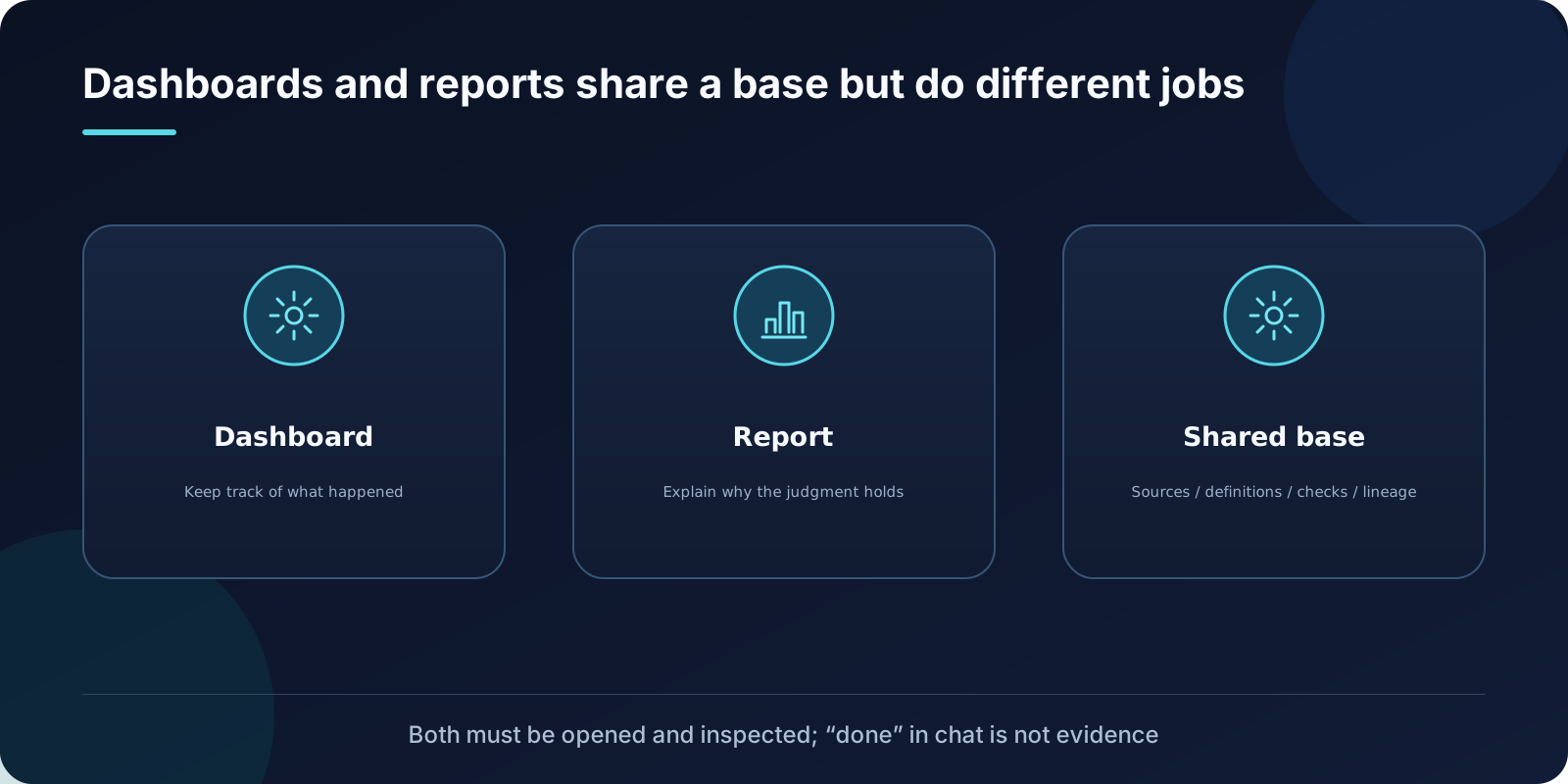
When a dashboard starts resembling a long article, or a report becomes a wall of metrics, the underlying problem often precedes visual design. Does the reader need to keep monitoring a situation, or understand a particular judgment?
Data Analytics Skills addresses these needs with two Skills: Build Dashboard and Build Report. They share a foundation of trustworthy evidence, but their purposes, structures, and acceptance criteria differ.
Dashboards keep people informed about what is happening
The first step in Build Dashboard is to establish the dashboard brief: who will use it, what it monitors, how often it refreshes, which filters and access permissions it needs, and where it will be delivered.
The source requires choosing the dashboard’s category first, because that choice determines its layout and acceptance criteria:
- Status monitoring: continuously watch for anomalies.
- Recurring business review: compare performance against targets and plans on a regular schedule.
- Analytical exploration: support ad hoc investigation from multiple angles.
This classification is practical. Many cluttered dashboards result from squeezing all three purposes onto one page: exploratory controls overwhelm the monitoring area, while the comparison baselines needed for a business review disappear.
Structure the metric model without padding it
The source requires a balanced metric model suited to what is being measured, rather than a fixed checklist.
Metric families to consider usually include primary outcomes, drivers, guardrails, and detail or diagnostic metrics. The source specifically warns that there is no requirement to include exactly four metric cards. The count should follow the decisions the dashboard needs to support, rather than the desire to fill a layout.
Another requirement is that the default view must answer the primary question directly. Readers should not have to work through a series of filters first. Filters and parameters support follow-up questions; they should not be an entrance requirement.
Reports explain the reasoning behind a judgment
Build Report starts by establishing the report’s job: the user’s question, the decision or action it should support, the primary audience, scope, time frame, comparison baseline, and success criteria.
The source requires selecting exactly one audience:
- Product and business stakeholders: reports for product, business, leadership, strategy, diagnostics, KPI interpretation, and general stakeholders.
- Technical audiences: reports that the user explicitly requests to be technical or method-first, or whose primary value lies in the methodology.
Choosing the audience establishes a structural contract. It goes beyond wording and tone. The same evidence should lead with the answer for leadership and with the method for technical readers.
A report needs more than a summary
Before production begins, the source requires a report outline covering:
- The question.
- An answer that is useful for a decision.
- Metrics, cohorts, denominators, time windows, and comparison baselines.
- Findings organized by segment or driver, with supporting evidence.
- Sensitivity or validation checks needed for comparative findings or claims close to causal inference.
- Caveats that would change the interpretation.
- Recommended next steps, monitoring points, or unresolved questions.
It then imposes a depth gate: a report containing only a title, an executive summary, and one chart or table should have its evidence developed further, unless the user explicitly requested a brief.
The source also makes clear that a summary paragraph with a few charts does not automatically constitute a complete report. Text beside each chart must explain how to read it, what it shows, and why that matters. Comparative findings must identify the population, denominator, time period, and baseline. Limitations must appear close to causal statements.
A shared evidence foundation does not imply a shared layout
Both deliverables require reliable sources, consistent metric definitions, sufficient data checks, and traceable records.
What needs to reconcile differs:
| Dimension | Dashboard | Report |
|---|---|---|
| What must reconcile | Cards, charts, and detail views must explain one another | Every claim must have corresponding evidence |
| Treatment of time | Data freshness and refresh cadence | Comparison windows, baselines, and cutoff time |
| Reader action | Investigate after spotting an anomaly | Form a judgment after reading |
| Main failure modes | Inconsistent numbers, stale refreshes, or unauthorized visibility | Conclusions that exceed the evidence or omit limitations |
The source is equally direct about data: a source path must be found before rendering begins. If core dashboard data is unavailable, stop. Sample data must not masquerade as a real business dashboard unless the user explicitly asked for a demonstration prototype.
Different completion criteria, with inspection required for both
A dashboard is complete when its default view works, filters behave correctly, metric reconciliation passes, data freshness meets requirements, permissions are correct, and performance is acceptable.
A report is complete when its reading order is clear, the evidence is properly explained, limitations and actionable conclusions are complete, and every claim is traceable.
Both have another requirement in common: the final deliverable must be opened and inspected. Saying “done” in a chat does not establish that a file or page is usable.
This rule addresses a typical Agent failure: a tool call returns success, so the model declares completion even though the rendered page is blank or its layout is broken.
Delivery depends on the environment
The source distinguishes delivery through BI platforms, MCP apps, portable HTML, and Sites hosting. It also places conditions on operating modes: automatic publication applies only in an explicitly recognized work mode, when the complete lifecycle tools are callable. Desktop operation outside work mode requires an explicit request or acceptance of a suggestion.
This boundary deserves emphasis. One conditional branch cannot be generalized into a promise that “all reports go online automatically.” Delivery capabilities depend on the environment, permissions, and tool availability.
When designing your own deliverables
Three checks you can use immediately:
- Will readers return to this deliverable repeatedly, or read it once? The former points to a dashboard; the latter to a report.
- Can every conclusion in the report point to a table, a query, or a chart?
- Can the dashboard’s default view answer the question without requiring any filter clicks?
Dashboards help you repeatedly notice changes worth investigating. Reports help you understand what a particular change means. They can work together, while each remains responsible for a different job.
Reference: OpenAI Data Analytics Skills public reference repository